
was-ist-mcp.ch
MCP explained clearly, for people without a technical background
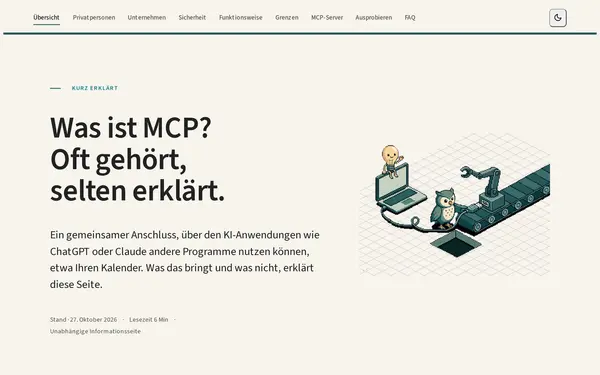
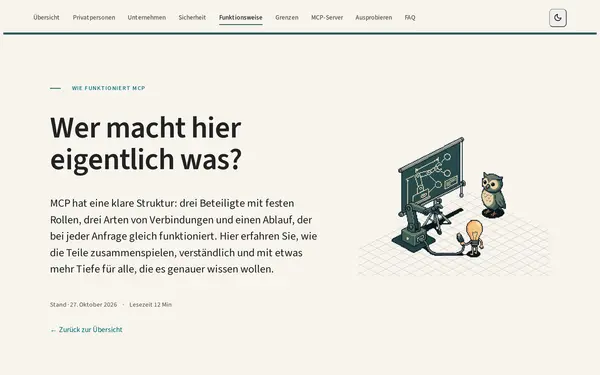
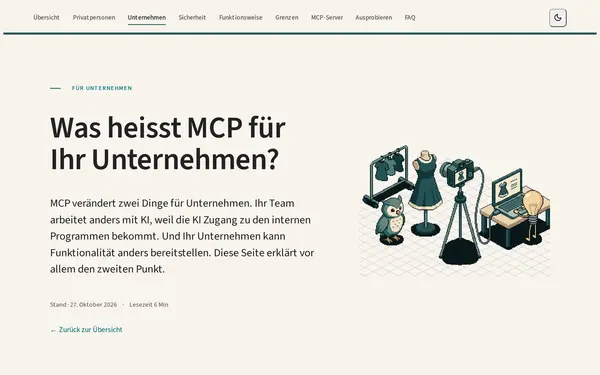

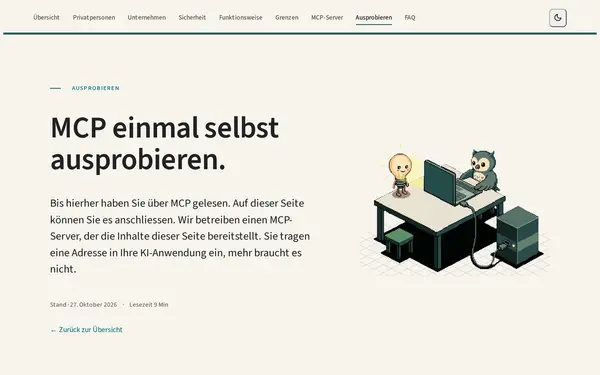
Starting point
Since late 2024 the Model Context Protocol (MCP) has appeared in almost every announcement from AI vendors. Yet it is explained almost exclusively for developers, in terms like server, client, JSON-RPC and tool calling. Anyone who wants to know what MCP means for their own work with ChatGPT or Claude finds hardly any answer in German. In talks and client conversations I kept noticing that exactly this explanation was missing.
The gap: you don't need to know MCP, but you can't use it without
MCP is infrastructure. Ideally nobody would ever hear the word, just as nobody needs to know the USB-C specification to plug in a charger. At first glance, then, MCP is not something end users need to care about.
In practice it looks different. Most of what MCP makes possible is only open to people who know what an MCP server is, where to find its address and where to enter it. Claude calls it a "connector"; ChatGPT asks you to switch on developer mode before you can add a connection of your own. If you don't know the term, you never go looking for it and stay with what the AI can do out of the box.
There are exceptions: plugins in Claude and apps in ChatGPT can be added with one click, without understanding MCP. But they work against the idea of MCP to some extent. They are tied to one vendor's catalogue and rules and can't simply be taken along to another AI. Yet that interchangeability is exactly what the protocol promises: one plug that fits everywhere.
was-ist-mcp.ch addresses exactly this gap. It explains what a connection is, what it is allowed to do, what to watch out for and how to set it up in your own AI. It also goes further and shows how MCP works and how an AI behaves with it, in plain language and without technical detail.
It started with audience, narrative arc and tone, and only then copy, illustrations and code: factual rather than hype, no technical terms on the first pages, and fixed analogies such as USB-C and Twint instead.
What I built
- The website: an overview page and deep dives for private users, businesses, security, how it works, limits and an overview of available MCP servers, plus an FAQ and guides for Claude, ChatGPT and Gemini. Nuxt 4 with Nuxt Content, all copy in Markdown, static on GitHub Pages, light and dark mode, cookieless analytics.
- Its own MCP server: the site does not just explain MCP, it offers an MCP server itself. Anyone who adds the address to Claude, ChatGPT or Cursor can search the site's content straight from their AI. The server is built in Python with FastMCP, uses hybrid search (BM25 plus vector search with Milvus Lite) and follows a clean architecture whose layer boundaries are checked in the build. Two of its ten tools require a demo login through an OAuth sign-in window, so readers also see what authorisation looks like in MCP.
- Discoverability: structured data,
llms.txtfor AI crawlers and an SEO strategy based on real search data.
Timeline
I started in late March 2026 in my spare time. From late April a placeholder page was online, and the full website went live on 7 September 2026. The MCP server followed on 23 September. Since then I have been refining the site continuously based on reader feedback.
What I learned
Writing for people without a technical background was harder than any technical component. Every phrase that seemed obvious to me had to be tested against the audience. And the MCP server confirmed what I also recommend in client projects: a few clearly described tools make an AI more reliable than many. That is why the server has exactly ten, and it will stay that way.